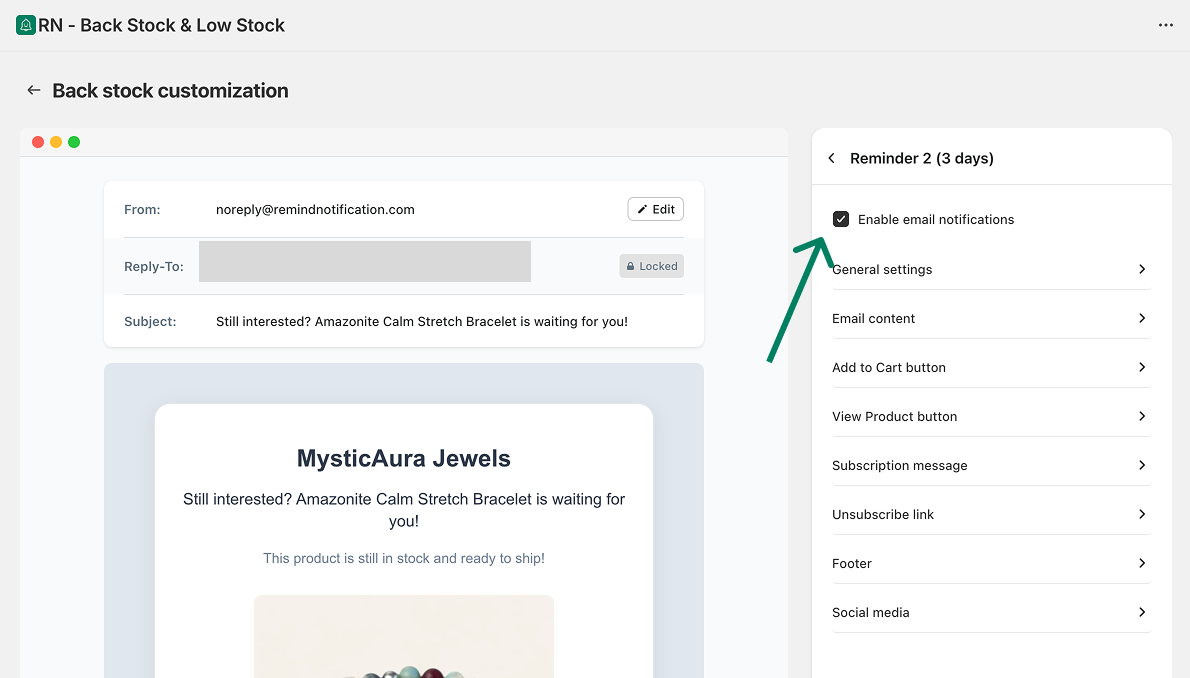
Remind emails are follow-up emails sent after the first Back in Stock email. They help you reach shoppers who did not buy right away.
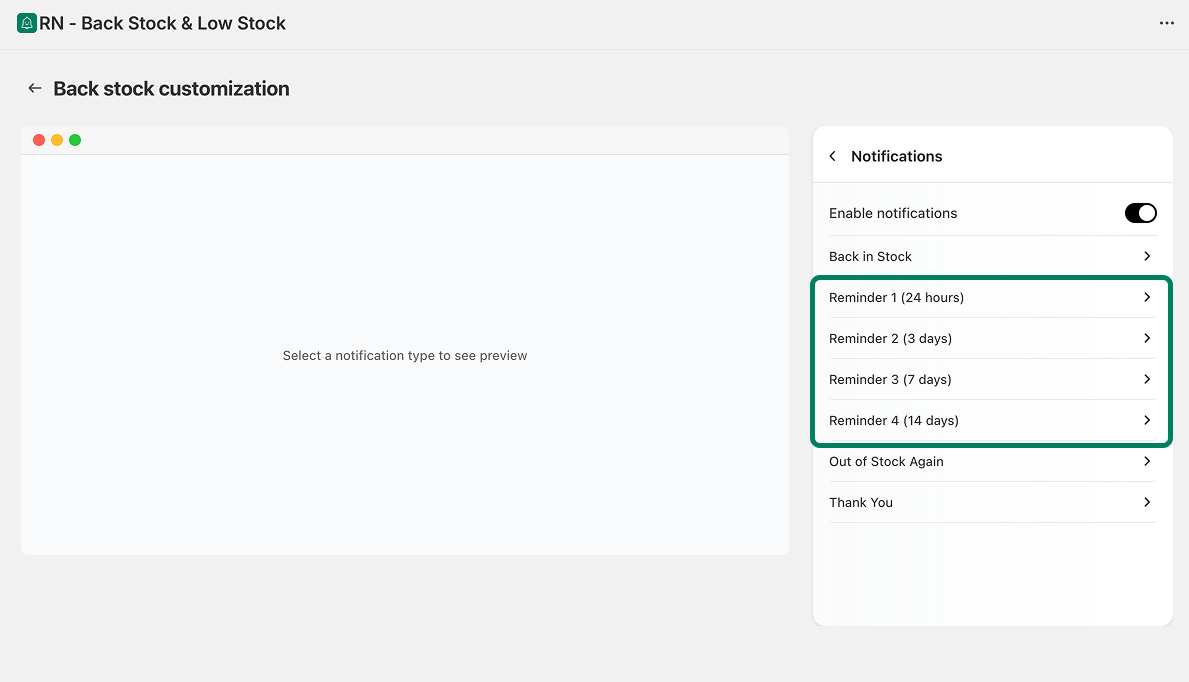
By default, the app includes four reminders:
Reminder 1: 24 hours
Reminder 2: 3 days
Reminder 3: 7 days
Reminder 4: 14 days
You can customize the settings and content of each remind email. This lets you adjust wording and layout for every reminder.
Enable or Disable the Reminder Emails
To manage the Thank You email:
Open the app.
Go to Back in stock → Customize → Notifications
Here, select the Reminder email want to disable/enable again.
Use the checkbox to enable or disable the Back-in-Stock email.