
The Thank You email is the first email sent to shoppers after they subscribe using the Notify me button. It confirms their subscription and lets them know they will be notified when the product is back in stock.
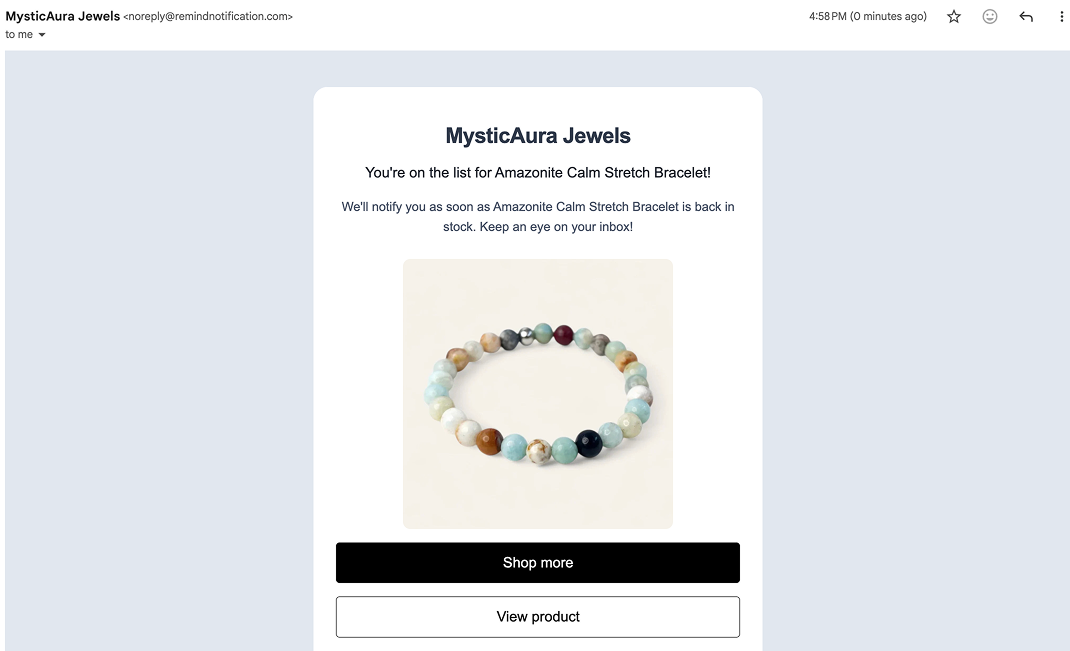
Enable or Disable the Thank You Email
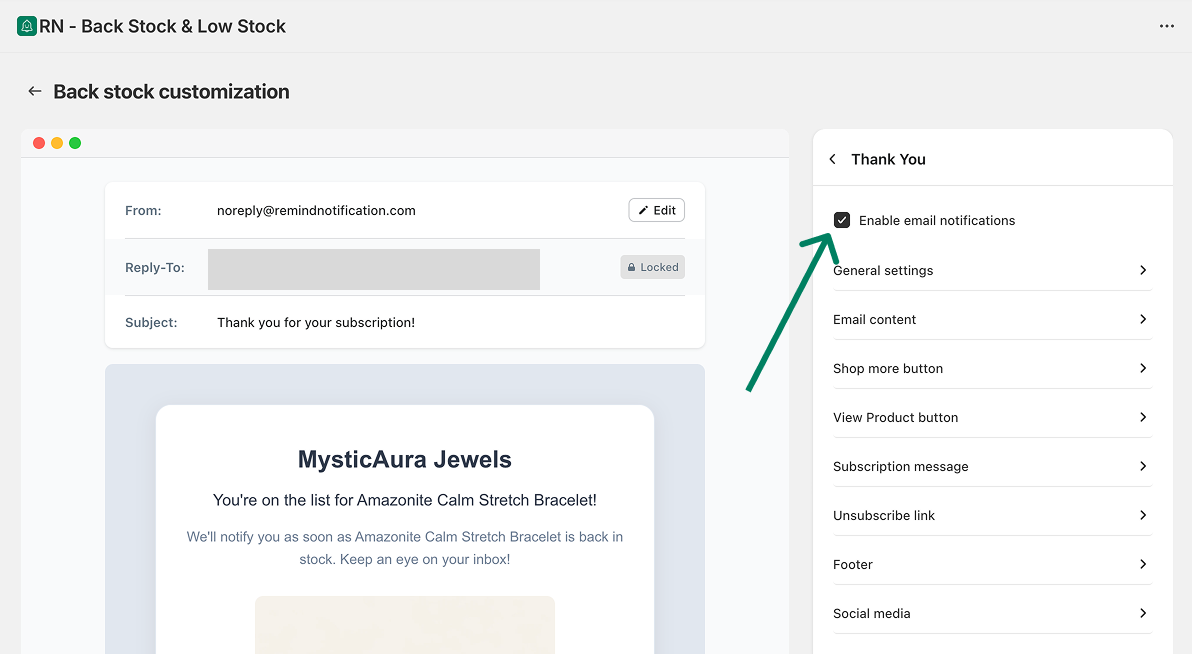
To manage the Thank You email:
Open the app.
Go to Back in stock → Customize → Notifications → Thank you.
Use the checkbox to enable or disable the Thank You email.
Customize the Thank You Email Template
You can customize the content and layout of the Thank You email.
To access the editor:
Go to Back in stock → Customize → Notifications → Thank you.
Here, you can customize:
General settings
Email content
Shop more button
View product button
Subscription message
Unsubscribe link
Footer
Social media links
Changes are shown in the preview as you edit.
Edit the Sender Email
To change the sender email for the Thank You email:
Click the Edit button in the email preview.
You will be redirected to the Settings page.
Update the sender email from there.
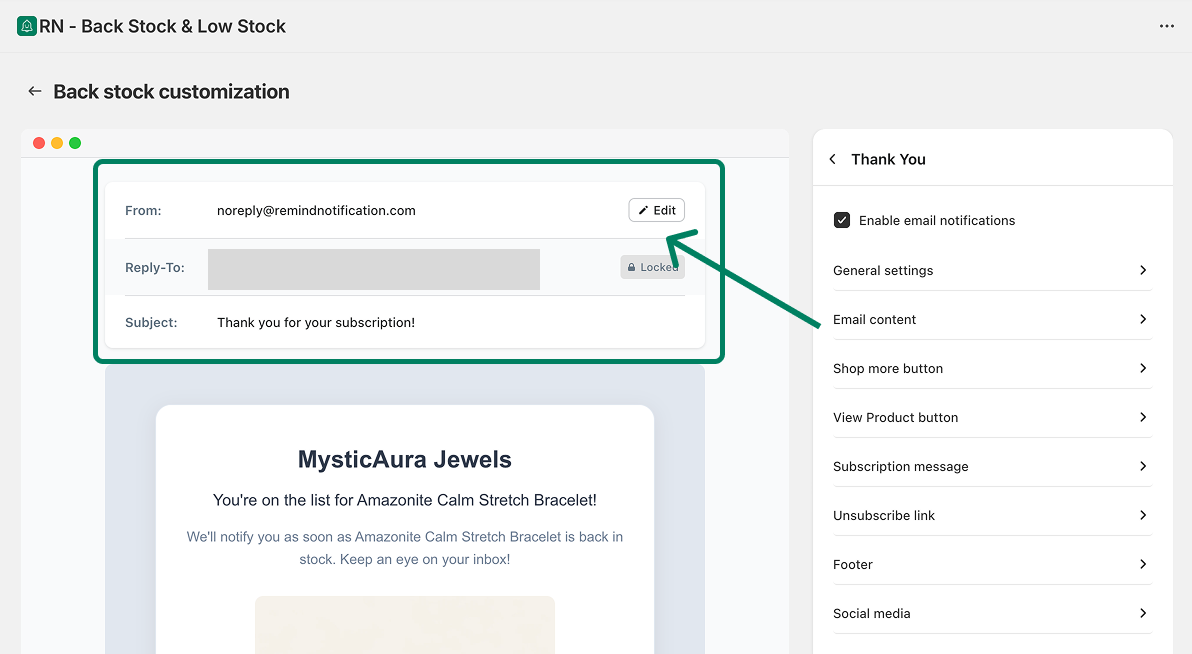
Note: the sender emails applies to all the emails sent from the RN - Back Stock & Low Stock app.